Getting Started with AI
AI is simply a tool that helps you write, plan, organise, and think things through. You don’t need to be technical. You don’t need special language. If you can have a conversation, you can use AI.
This page will walk you through setting up two tools I recommend for small business and community work: Claude and Copilot
Both are free at the basic level. Both work well. You can choose one or use both.
Setting Up Claude
Create your account
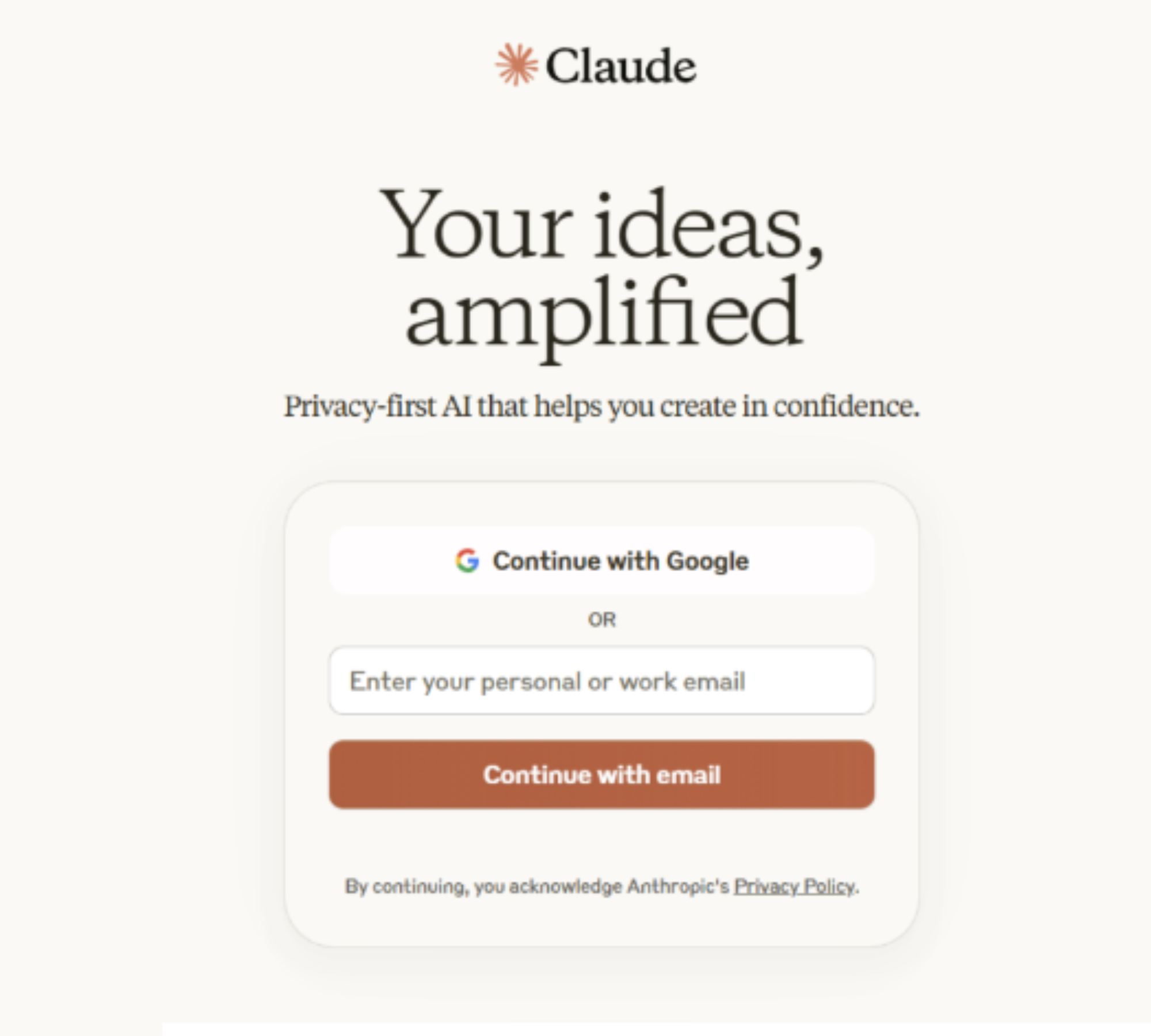
Go to claude.ai. Click Sign Up and enter your email address.
Claude will send you a confirmation code — type that in, and you’re done.
The free plan is enough to start.

Setting Up Copilot
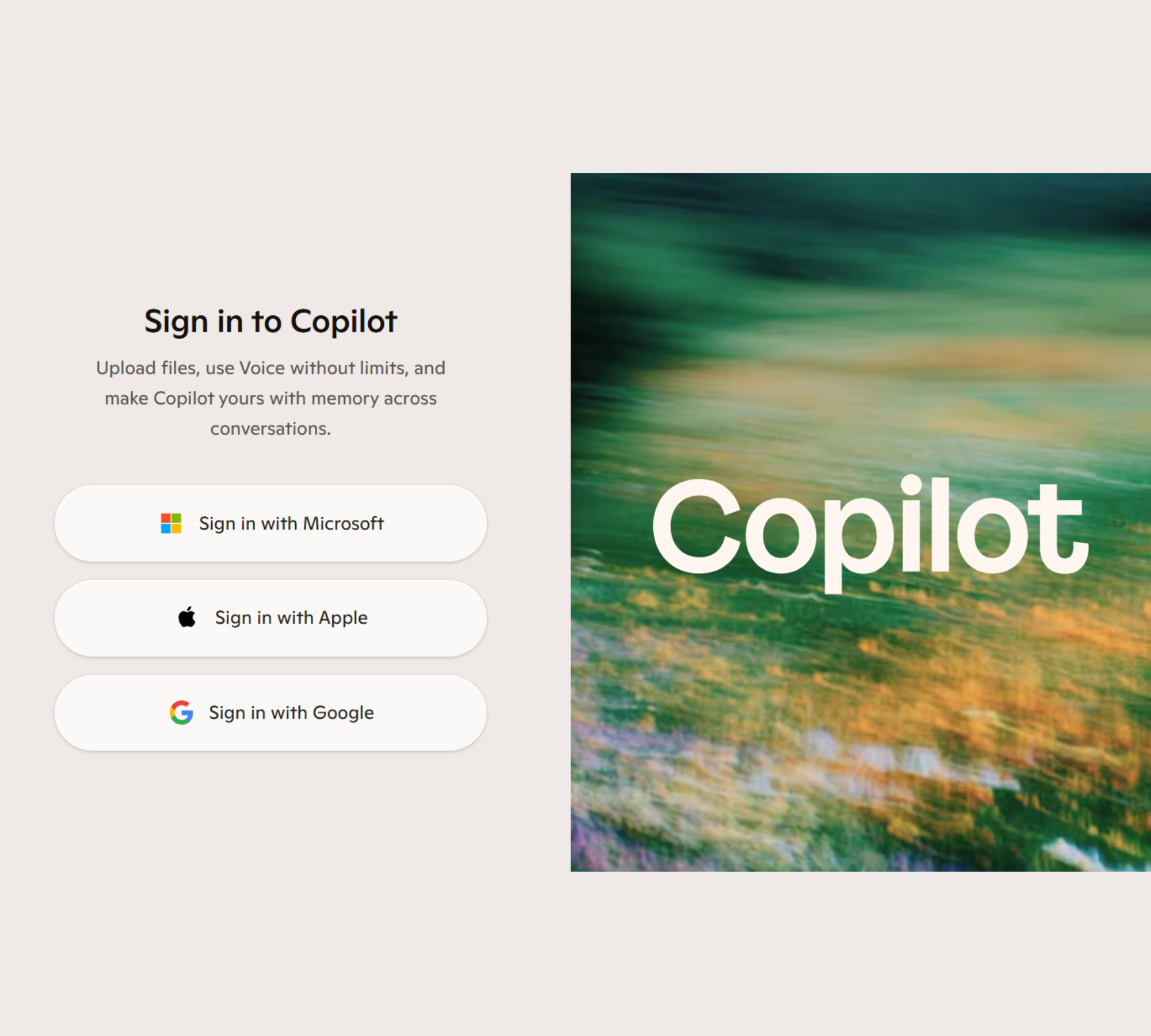
Go to copilot.microsoft.com.
Click Sign In and enter your Microsoft account details.
If you don’t have a Microsoft account, you can create one for free — it only takes a minute.
Once you’re signed in, you’ll land on Copilot’s main screen.